
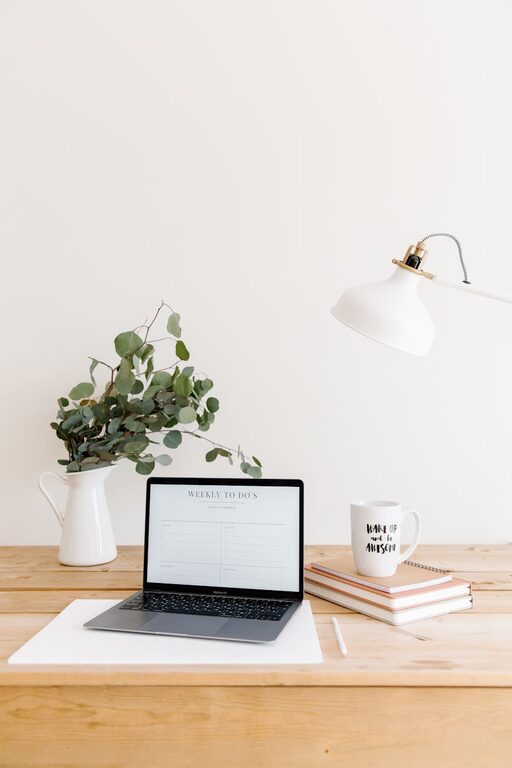
Creating a home office that is both cozy and productive can greatly enhance your work-from-home experience. Whether you’re starting fresh or looking to improve your current setup, the right combination of comfort and functionality will keep you motivated and focused throughout the day. In this post, we’ll explore practical tips for designing a home office that supports your needs and boosts your efficiency.
Choose the Right Location
Consider Light and Noise
The location of your home office matters a lot. Ideally, pick a quiet spot that’s away from heavy foot traffic and distractions. Natural light is a huge plus—it helps reduce eye strain and lifts your mood. If natural light is limited, use bright but soft lighting to create a welcoming atmosphere without harsh glare.
Space and Privacy
Make sure you have enough room to move comfortably and store your materials. If possible, choose a space with a door or some form of separation, so you can focus and signal when you’re working.
Invest in Ergonomic Furniture
Comfortable Chair
A good chair supports your posture and keeps you comfortable during long hours of work. Look for adjustable chairs with lumbar support to prevent back pain.
Suitable Desk
Your desk should fit your space and work style. Consider one with adjustable height or enough surface area to hold your computer, notebooks, and other essentials comfortably.
Optimize Your Lighting
Layer Lighting
Use a combination of overhead lights, task lighting, and natural light to reduce eye strain. A desk lamp with adjustable brightness helps you focus on detailed work.
Avoid Glare
Position your screen to avoid glare from windows or lights. Consider an anti-glare screen filter if needed.
Organize for Efficiency
Declutter Regularly
A tidy workspace boosts productivity. Use trays, shelves, or drawers to keep your desk clear of clutter.
Use Storage Solutions
Invest in organizers, filing cabinets, or wall-mounted shelves to keep papers and office supplies in order.
Digital Organization
Keep your digital files organized as well, using folders and clear naming conventions to save time finding documents.
Personalize Your Space
Add Cozy Touches
Bring warmth and personality to your office with elements like soft rugs, cushions, or throws. Add plants to create a calming environment—they also help improve air quality.
Choose Calming Colors
Soft, neutral colors or muted tones help maintain focus without being distracting. Personal touches like artwork or photos can make the space feel welcoming.
Manage Technology Wisely
Reliable Equipment
Invest in a dependable computer and fast internet connection to avoid frustration.
Cable Management
Use cable organizers or ties to keep cords neat and prevent tangling.
Backup and Security
Make sure to back up your work regularly and use security tools to protect your data.
Set Boundaries and Routine
Separate Work and Relaxation
To maintain a healthy balance, try to confine work to your designated office area. This helps switch off after work hours.
Establish Work Hours
Create a daily schedule that outlines start and finish times. Having a routine improves focus and signals when it’s time to rest.
Conclusion
Designing a cozy and productive home office is all about balancing comfort and organization. By choosing the right location, investing in ergonomic furniture, optimizing lighting, and maintaining an organized space, you’ll create an environment where you can focus, feel comfortable, and enjoy your work. Remember, adding personal touches and setting clear boundaries supports both productivity and well-being. Try these tips to make your home office a space you look forward to working in every day.