
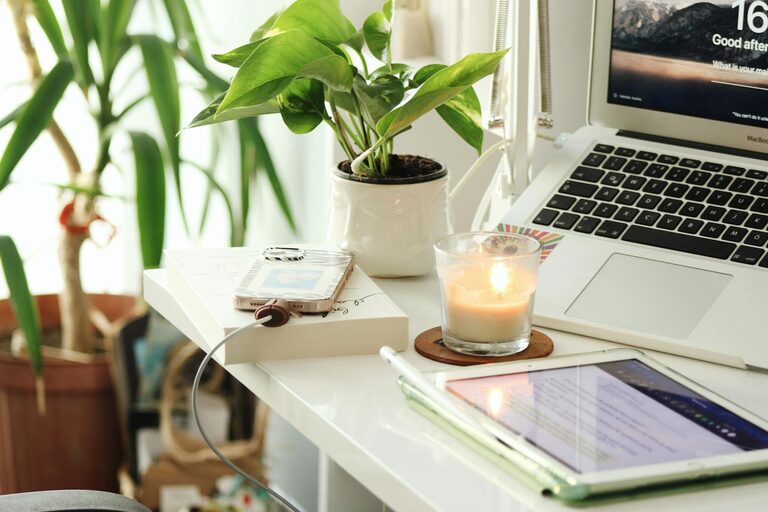
Creating a home workspace that feels cozy and promotes productivity can make a big difference in your work-from-home experience. Whether you’re working remotely full-time or occasionally need a spot to focus on tasks, setting up a space that supports comfort and efficiency helps improve your mood and output. Here are some helpful tips for designing a home workspace that suits your needs.
Choose the Right Location
The first step is selecting a spot that minimizes distractions. If possible, pick a quiet corner of your home or a room with a door you can close. Natural light is a bonus—it helps reduce eye strain and boosts energy. Try to avoid areas with heavy foot traffic, noisy appliances, or frequent interruptions.
Consider the Following:
– A spare bedroom or study
– A nook near a window
– An underused dining area
– Customizing a section of your living room
Invest in Comfortable and Ergonomic Furniture
Comfort is key when you’ll be sitting for long periods. Look for a supportive office chair with adjustable height and good lumbar support. Your desk should be at a height that allows your forearms to rest parallel to the floor when typing.
Tips for Ergonomics:
– Keep your feet flat on the ground or on a footrest
– Position your monitor at eye level, about an arm’s length away
– Use an external keyboard and mouse if working on a laptop
Personalize Your Space to Feel Cozy
Adding personal touches makes your workspace inviting and reduces stress. Choose colors and décor that calm and inspire you.
Ideas to Cozy Up Your Workspace:
– Soft throw blankets or cushions on your chair
– Houseplants to improve air quality and add greenery
– Photos or artwork that motivate you
– Warm lighting like desk lamps or string lights instead of harsh overhead bulbs
Organize for Efficiency
Keeping your workspace tidy helps minimize distractions and saves time looking for supplies. Use storage solutions that match your space and style.
Organizational Tools:
– Drawer organizers for small items
– Shelves or bookcases for books and binders
– Cable management clips or sleeves to reduce clutter
– Desktop trays or cups for pens and paperclips
Create a Routine and Signal Work Hours
Having a routine helps your brain switch into work mode and separates work from home life.
– Set consistent work hours
– Begin your day with a morning ritual, such as making coffee or reviewing your to-do list
– Put away work materials at the end of the day to mentally close the office
Minimize Distractions
Consider using noise-canceling headphones if your environment is noisy. Setting boundaries with household members about your work time can also help reduce interruptions.
Incorporate Movement Breaks
Sitting all day can lead to stiffness and fatigue. Make sure to:
– Stand up and stretch every 30 to 60 minutes
– Walk around during phone calls
– Use a standing desk or adjustable desk if possible
Keep Technology and Tools Updated
Reliable technology is important to avoid frustration.
– Ensure your internet connection is strong and stable
– Use external keyboards or monitors for better ergonomics
– Keep chargers, batteries, and accessories accessible
Add Scent or Sounds that Help You Focus
If it fits your style, consider using essential oils like lavender or eucalyptus for relaxation, or play ambient sounds such as soft instrumental music or white noise to aid concentration.
—
Designing a home workspace that balances coziness with productivity requires a mix of practical setup and personal flair. By choosing the right spot, investing in ergonomic furniture, personalizing your environment, organizing effectively, and building good habits, you can create a space that supports both comfort and work success. Take the time to customize your home office—it’s an investment in your well-being and productivity for days to come.